
Build A Business With The First Portable CNC Engraver

CNC Pro Training & Support

Concrete Engraving Machine – CNC Pro

OWNER'S MANUAL

Getting started with the CNC Pro

We recommend that you take time and go through this manual, and it’s respective videos and material. This is the easiest and fastest way to hit the ground engraving with your CNC Pro.

LET'S GET STARTED

Training and Support

This page provides access to training materials, tips for getting the most out of the machine.  The Facebook Owner’s Group provides a forum for CNC Pro owners to share their experiences and ask questions.

Owner's Group

Follow this link to join the Facebook Owner’s Group.  We advise all owners to join this group.  This group is a great resource for everybody that owns the CNC Pro.

What's my password?

The password to all computers is: password

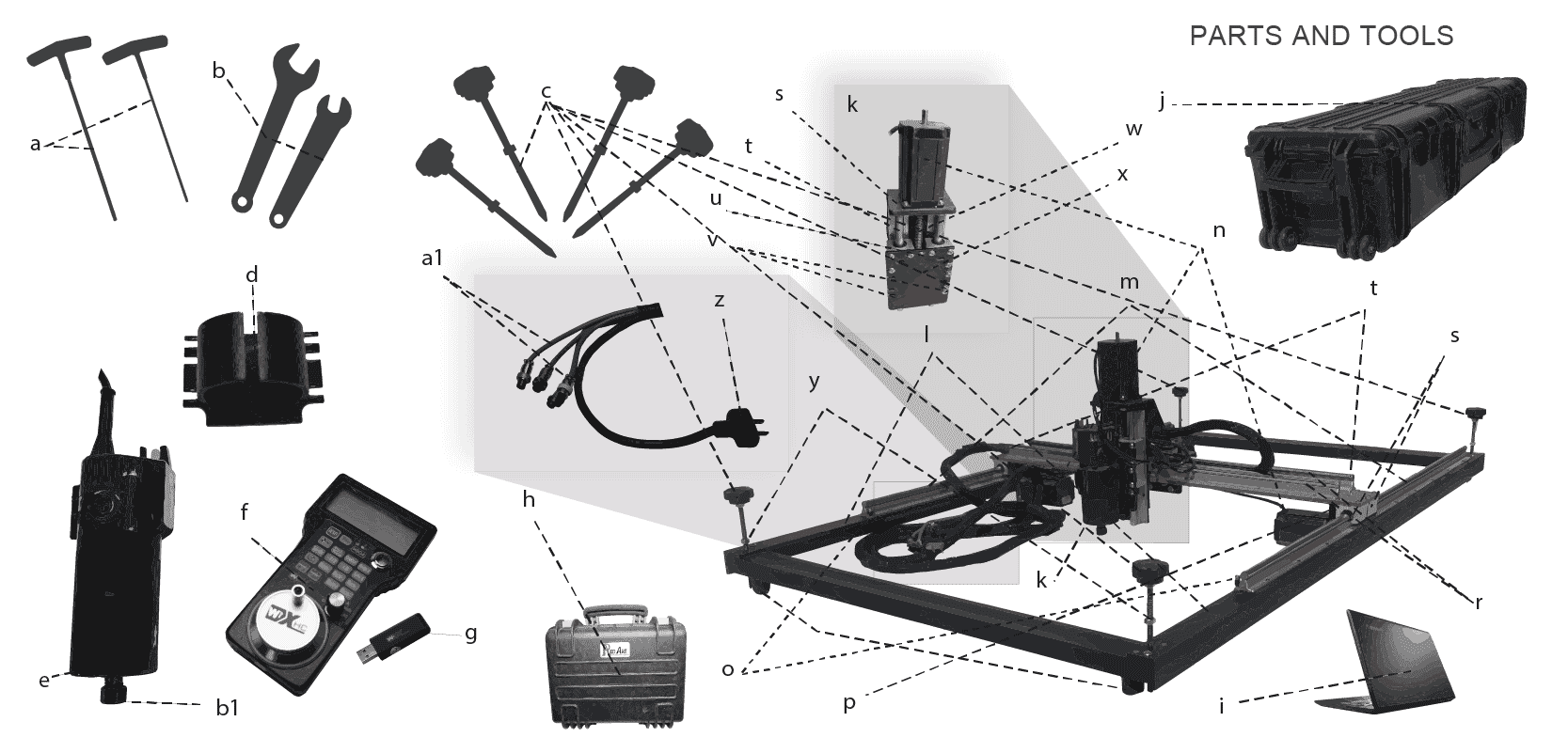
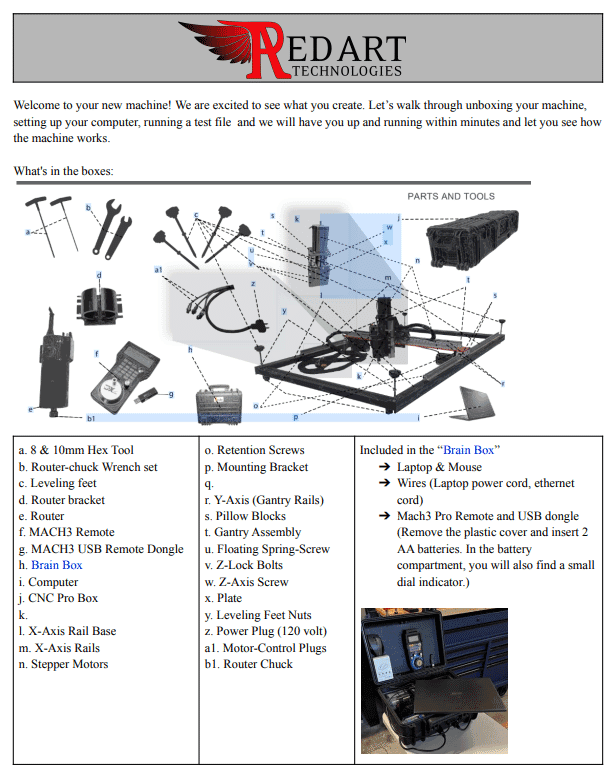
Provides an easy-to-follow visual guide for owners to assemble and set up their machine. 

TRAINING VIDEOS

Beginner Level

The training videos are self-paced and can be accessed at any time, allowing owners to learn at their own pace and on their own schedule. The videos are an essential resource for new owners to get up to speed quickly and for experienced owners to continue improving their skills and learning new techniques.

By watching the unboxing video, owners can see exactly how each component of the CNC Pro fits together, ensuring that the machine is properly assembled for optimal performance. 

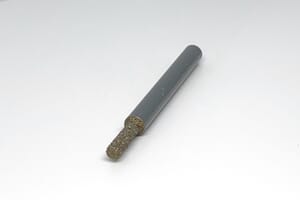
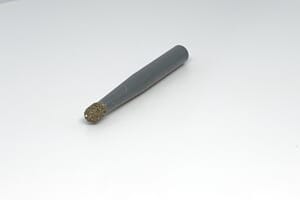
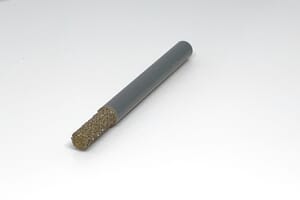
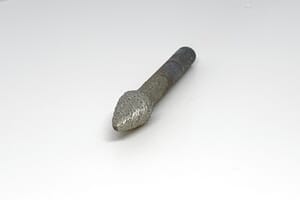
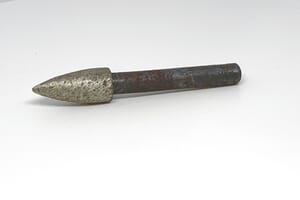
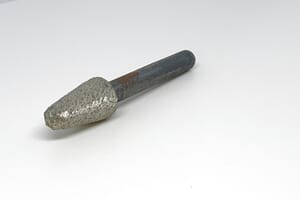
Beginner video shows how to maintain and replace the router assembly. An explanation of bits is also included.

Get started engraving with a piece of cementboard.

Materials needed:

  • Cement board

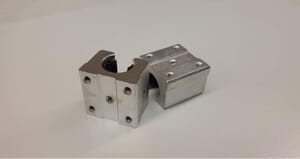
Cleaning, lubing, pillow-blocks and z-axis alignment.

VCARVE & MACH3

Introductory Level

VCarve training videos offer several benefits to CNC Pro owners, including:

Use VCarve Effectively

Gain knowledge of various design techniques and strategies, understand how to import and manipulate various image file types.

Self-paced

Learn at your own pace and revisit topics as needed, improving overall productivity and accuracy when creating designs for the CNC Pro.

VCARVE & MACH3

Introductory Level

The training videos are self-paced and can be accessed at any time, allowing owners to learn at their own pace and on their own schedule. The videos are an essential resource for new owners to get up to speed quickly and for experienced owners to continue to improve their skills and learn new techniques.

How to Find a Suitable Image for Vectoring​

In conjuction with the Five Star Coffee Sign, this video shows how to locate an image suitable for vectoring (importing into Vcarve).

Five Star Coffee Sign

Vectric training video showcasing how to import a PNG or JPG photo into Vcarve.

Node Editing in Vcarve

This is an advanced level video showing how to edit individual “nodes” also known as “corners” in Vcarve.

Introduction to Engraving

Intermediate ~ advanced in depth training from start to finish.

Engraving Pavers (Vcarve Edition)​

Starter video highlighting step-by-step designing a paver to be cut. Tip: Ensure that the machine is high enough to allow the step-motors to pass over. It is recommended to engrave the paver in the center of the engraving area.

Introduction to MACH3​

Designed to help CNC Pro owners take their skills to the next level. Mach3 is a popular software used for controlling CNC machines, and this video provides a comprehensive overview of its controls and features. By mastering Mach3 controls, CNC Pro owners can optimize their workflow and improve the accuracy and quality of their engravings.

HAVE YOU JOINED THE OWNER'S GROUP?

ADVANCED TRAINING

Gain a deeper understanding of the machine’s capabilities and how to use them to their fullest potential. Advanced training covers complex topics such as using advanced software features, designing and producing intricate patterns and engravings, and troubleshooting complex issues. With advanced training, owners can expand their skill set and offer more advanced services to their clients, which can lead to increased revenue and a competitive advantage in the market. Additionally, advanced training can help owners to reduce downtime, increase efficiency, and improve overall productivity by optimizing their workflow and utilizing the CNC Pro to its full potential.

Cleaning, floating z, lubing, pillow-blocks and z-axis alignment.

Note: Must be logged into FB CNC Pro Owner’s Group to view. How to move the router to a specific point.

Note: Must be logged into FB CNC Pro Owner’s Group to view. How to use bits digitally. People keep using the V-bit digitally and then doing a pocket pass which takes several hours to engrave 1 paving stone.

Note: Must be logged into FB CNC Pro Owner’s Group to view. How to put ball bearings back into the pillow block

Note: Must be logged into FB CNC Pro Owner’s Group to view. How to use bits digitally. People keep using the V-bit digitally and then doing a pocket pass which takes several hours to engrave 1 paving stone.

How to Tile with the CNC Pro​

Tiling is a method we use to create larger engravings. When the work area is larger than the engraving area of the machine, tiling is used.

How to "Ghost Pass" FOR TILING​

This is used for tiling to double check that your toolpaths are properly aligned before engraving the next tile.

Mach3 Remote​

The Mach3 remote is used to control the machine without having to be near the brain-box (computer) when engraving on-site. It enables the operator precisely set datum points. Note: Your requires 2 AA size batteries, accessible below the rubber protective case.

CNC Pro Maintenance

Quick, short and sweet video on how to maintain your CNC Pro. We recommend performing this maintenance every 5-6 hours of runtime and after every job. Having issues that this video is not resolving? Click Request Support to create a support ticket. An engineer will reply promptly.

GETTING IDEAS?

Have ideas for more training videos? Let us know!

TROUBLESHOOTING VIDEOS

CNC Pro troubleshooting videos can be a valuable resource for owners looking to maintain their machines and keep them operating at their best.

Disabling Updates

Mach3 Remote Fix

CNC Pro Maintenance

Unboxing and Assembly

Router Assembly

Aligning the Z Axis Bolt

Z-Axis is not Moving

Disassembly

Replacing the Z-Axis Motor

Misc Recommended Supplies

Nylon Detailing Brush

This is used to remove dust and debris from the pillow blocks and other tight crevices.
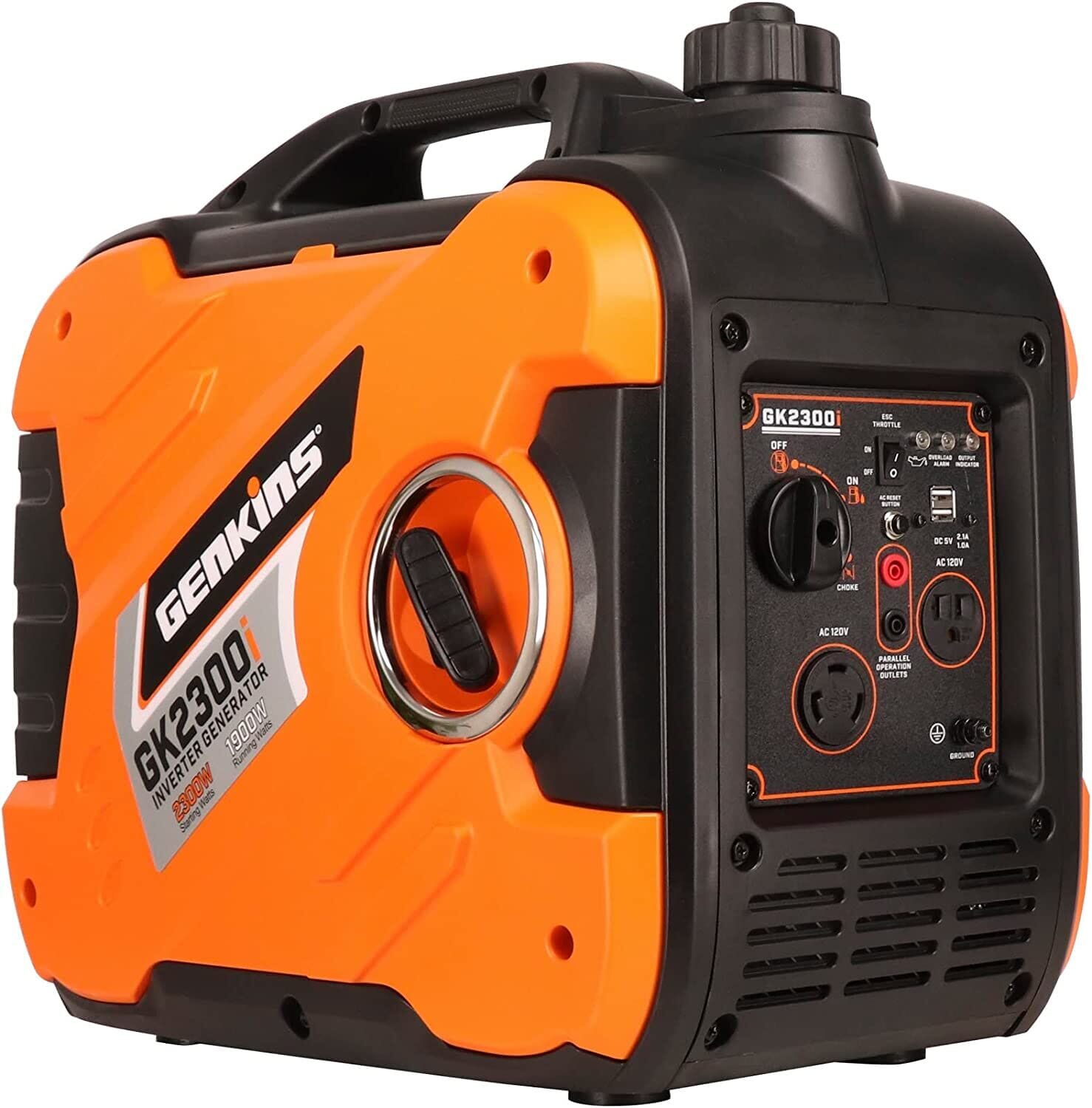
2000 Watt Generator

Quiet running generators are a must for remote jobs or where access to power is unreliable.

WD-40 DRY LUBE

To be applied to rails, pillow blocks, z-screw, after every job or 5 hours of run-time.
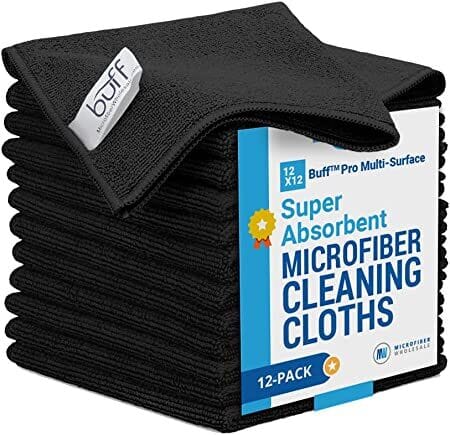
Microfiber Towels

Best when used in conjuction with WD-40 DRY LUBE
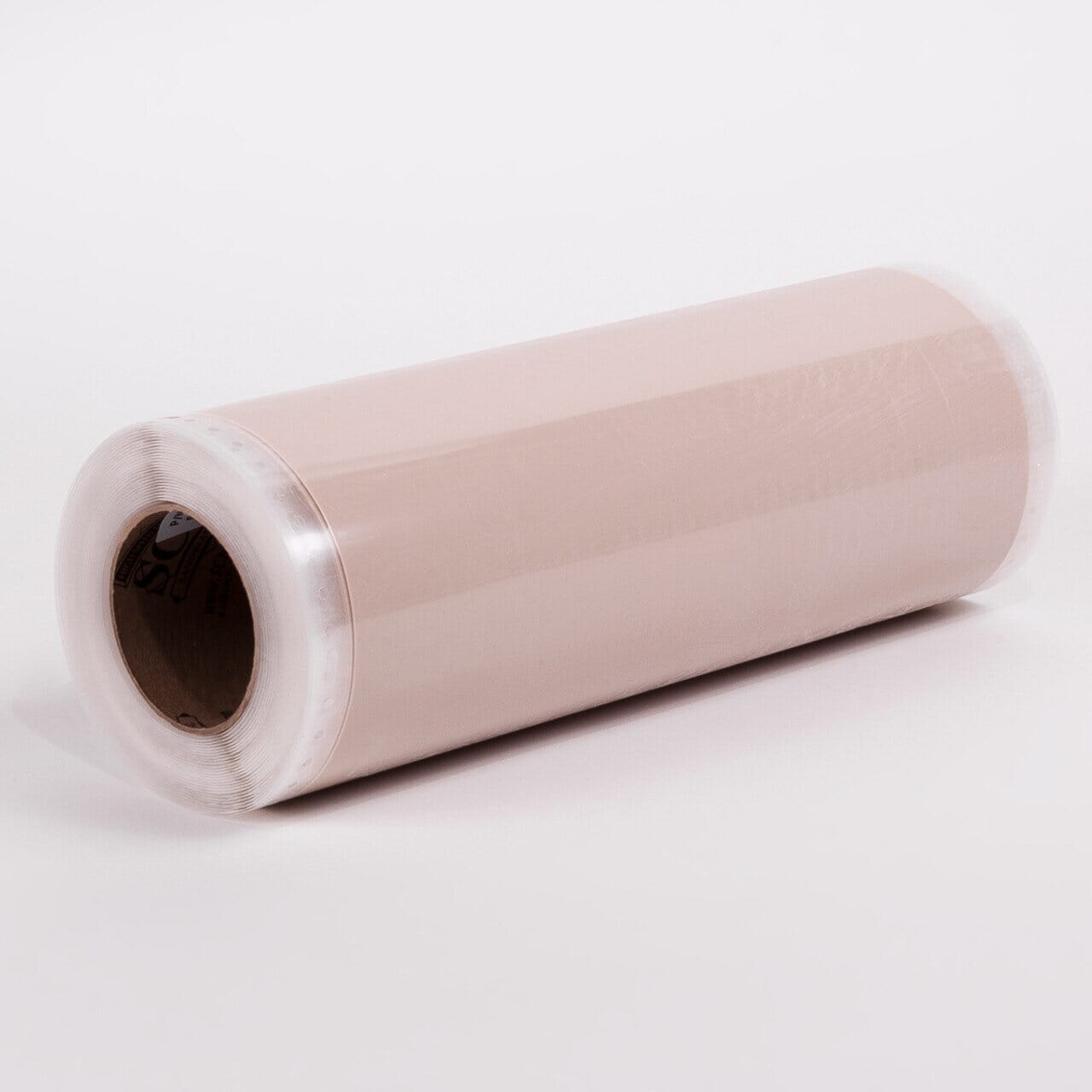
Blast Mask

Used to reduce bleedover when engraving into porous concrete and stone surfaces

Scoth Blue Masking Tape

Like the Blask Mask tape, this is used to protect and reduce bleedover when painting or filling in epoxy inlays.
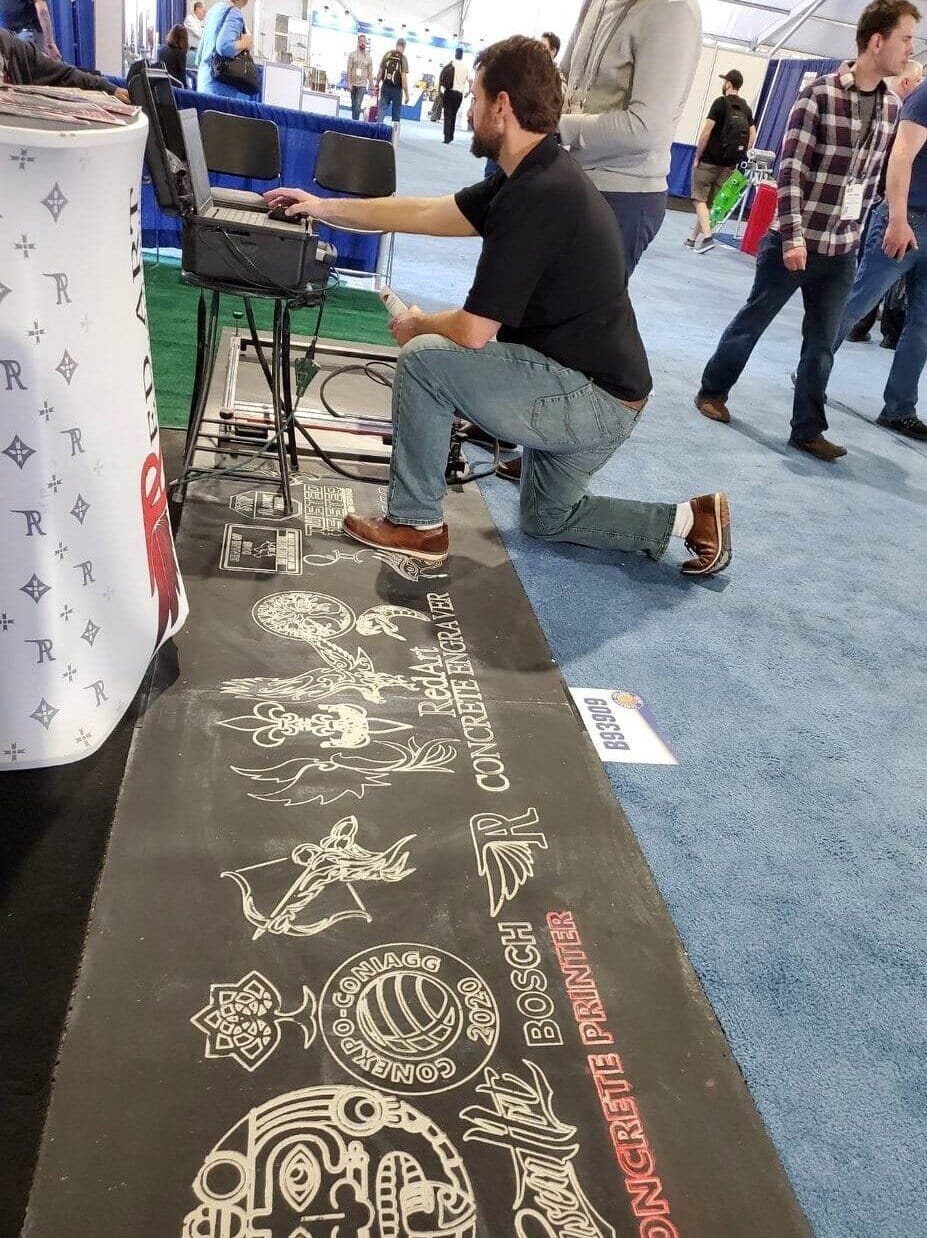
HardieBacker Board

Engraving onto HardieBacker is a quick and cost effective way to showcase engravings at home shows and conventions

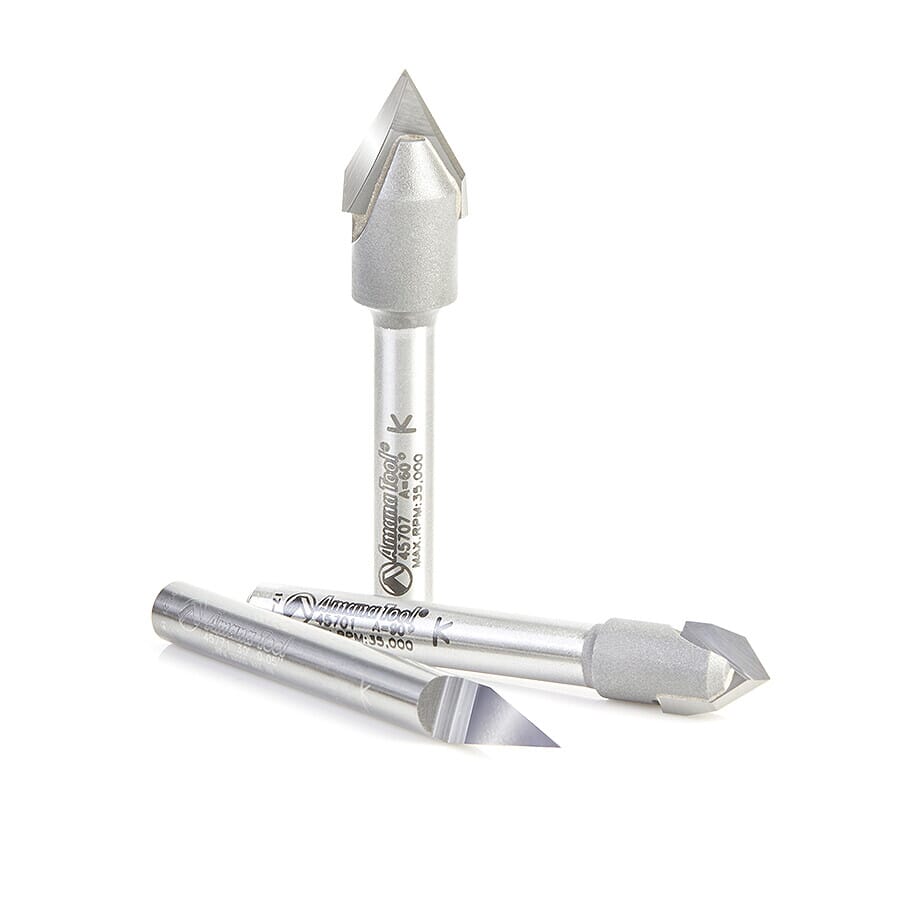
V Bits

Provided by Amana Tools

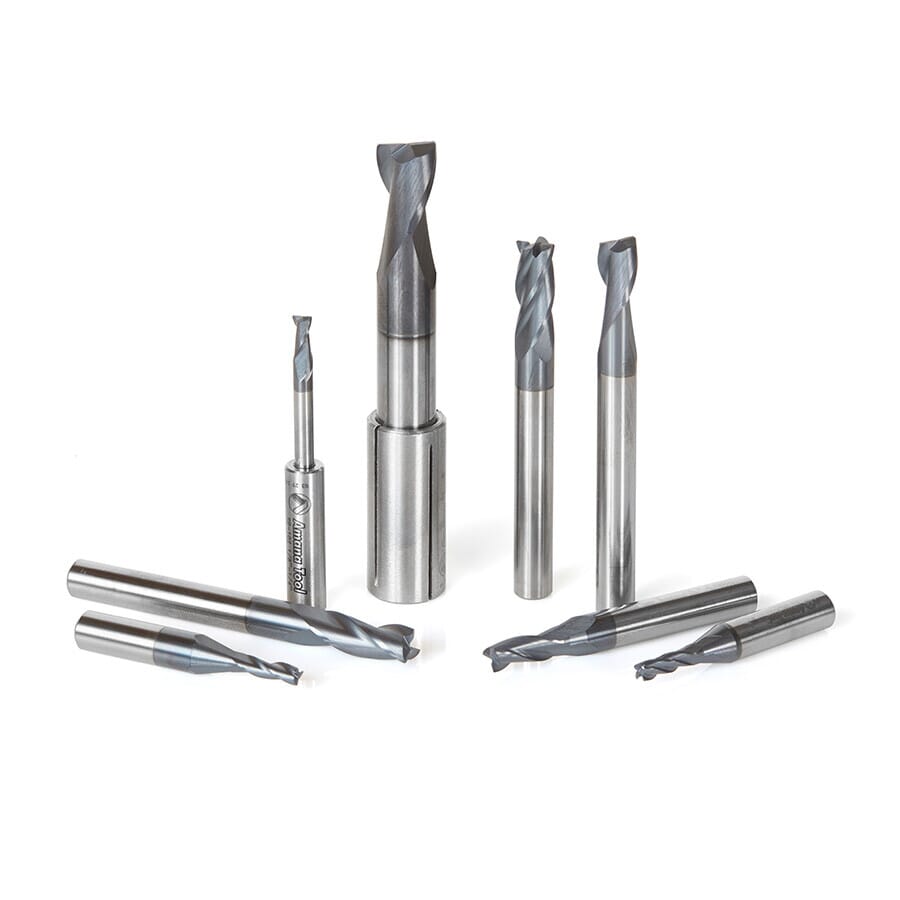
Endmill Bits

Provided by Amana Tools
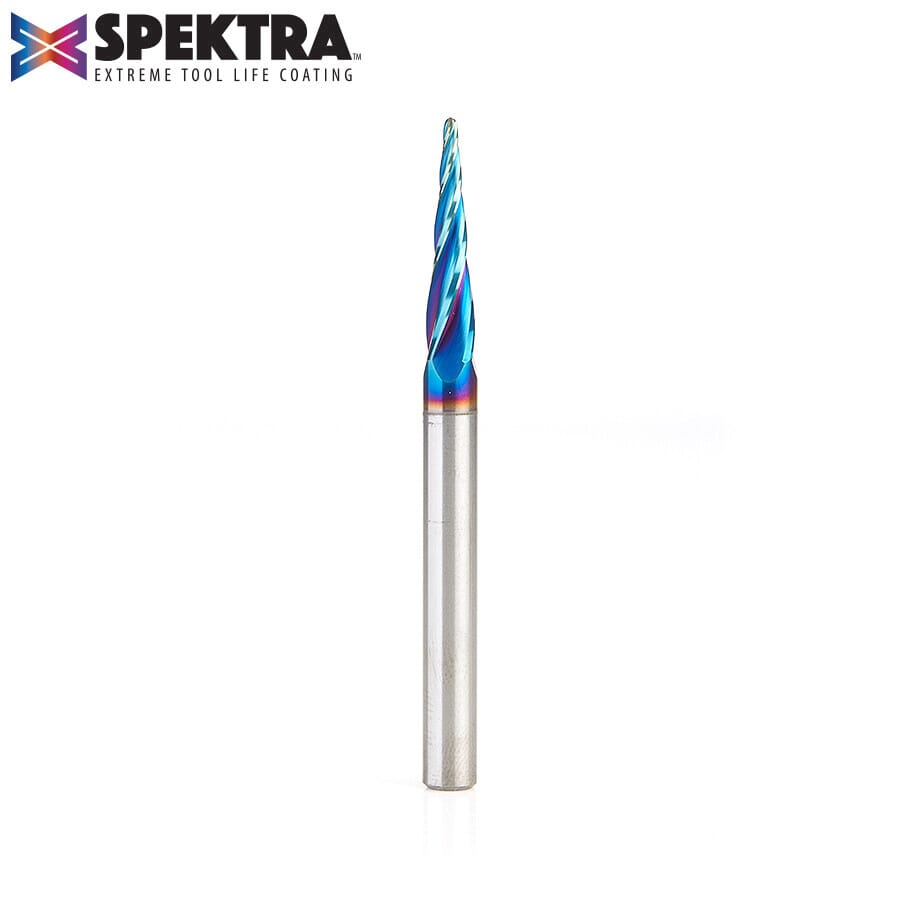
Acrylic Cutting

Provided by Amana Tools
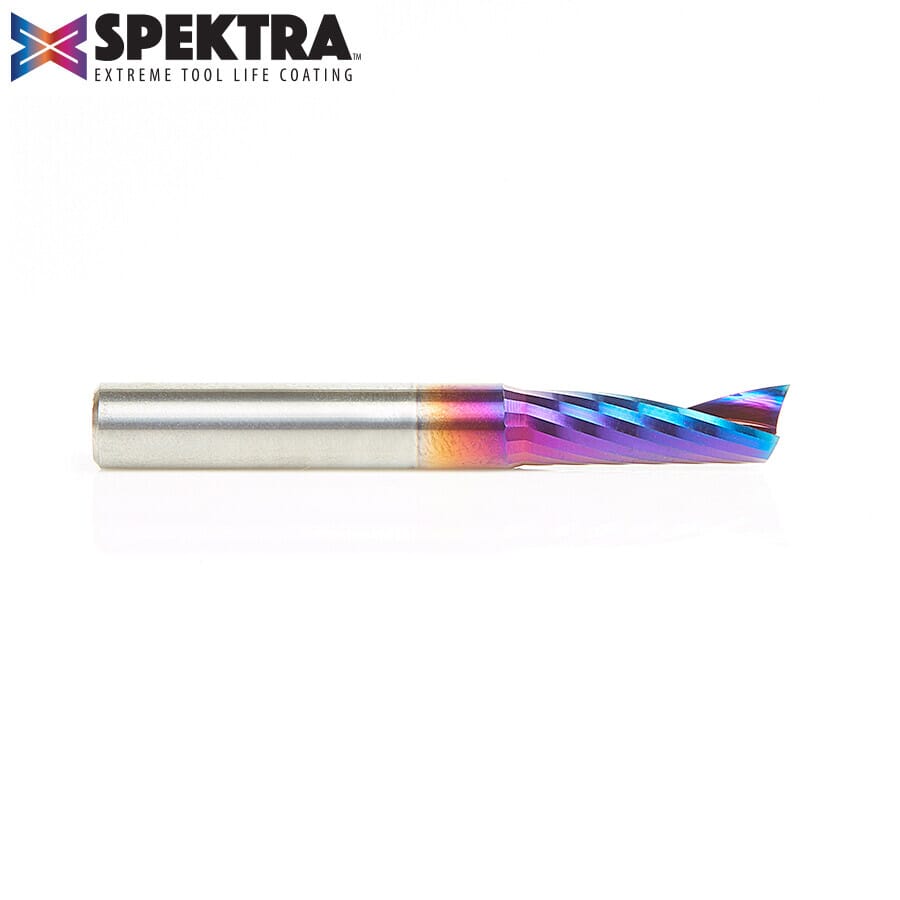
Aluminium Cutting

Provided by Amana Tools

Note: The following link does not required a Google Account, you may view/download contents without an account

LET’S TALK BUSINESS